FlexiRule Docs
Testing & Debugging
Safely simulate rule execution and inspect execution paths, results, and live logs.
Testing & Debugging#
FlexiRule provides visual testing and auditing tools so you can verify a rule before production and inspect live execution afterward.
Debug simulation#
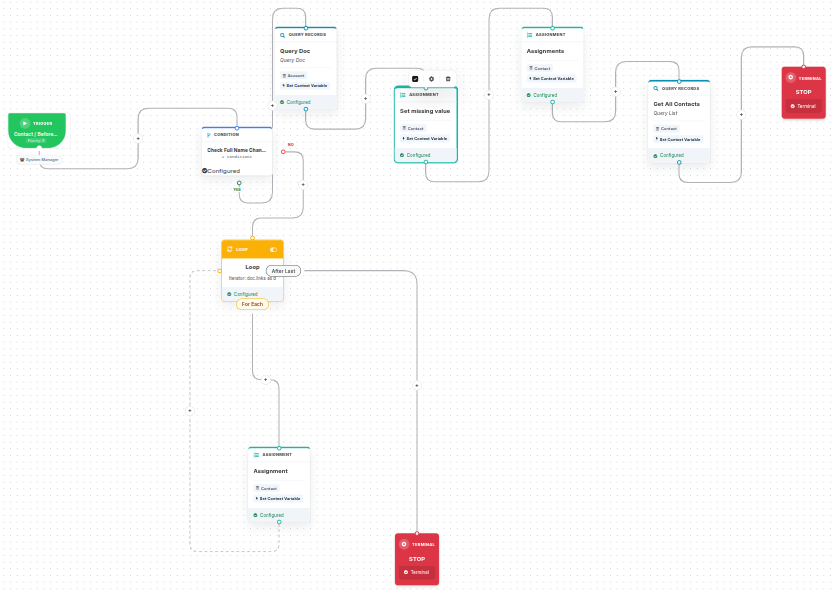
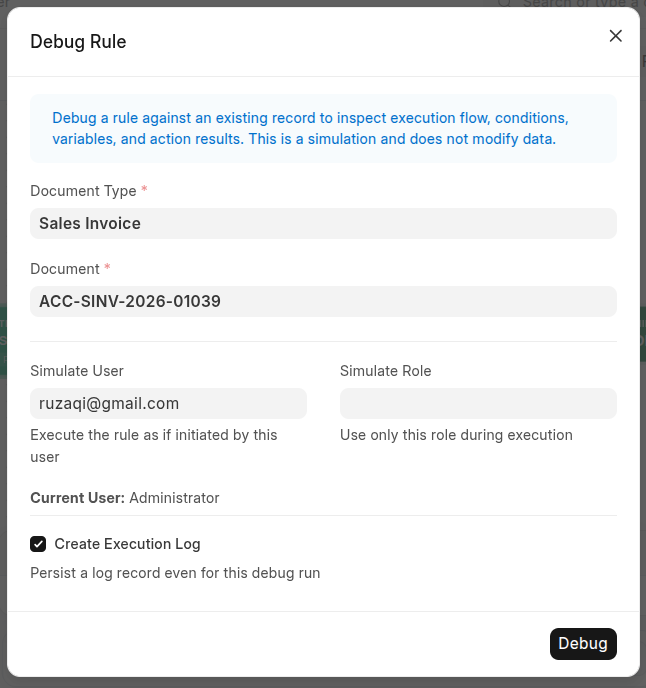
The Debug tool simulates rule execution against selected document records without modifying the database.
- Open the Rule Builder.
- Click Debug in the top action bar.
- Select a test document and any supported simulation context.
- Click Run Test.
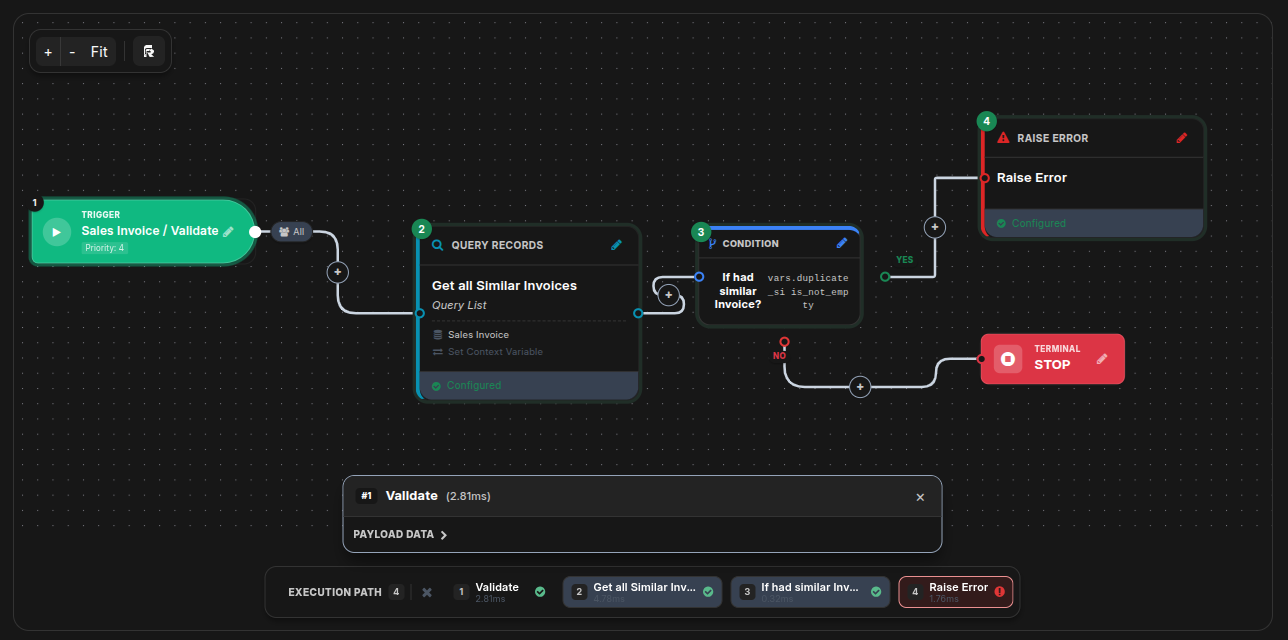
- Inspect the execution path and step results.
Inspect results#
The debugger shows which nodes executed, which branches were skipped, and where errors occurred. Select a step to inspect its inputs, outputs, and execution details.
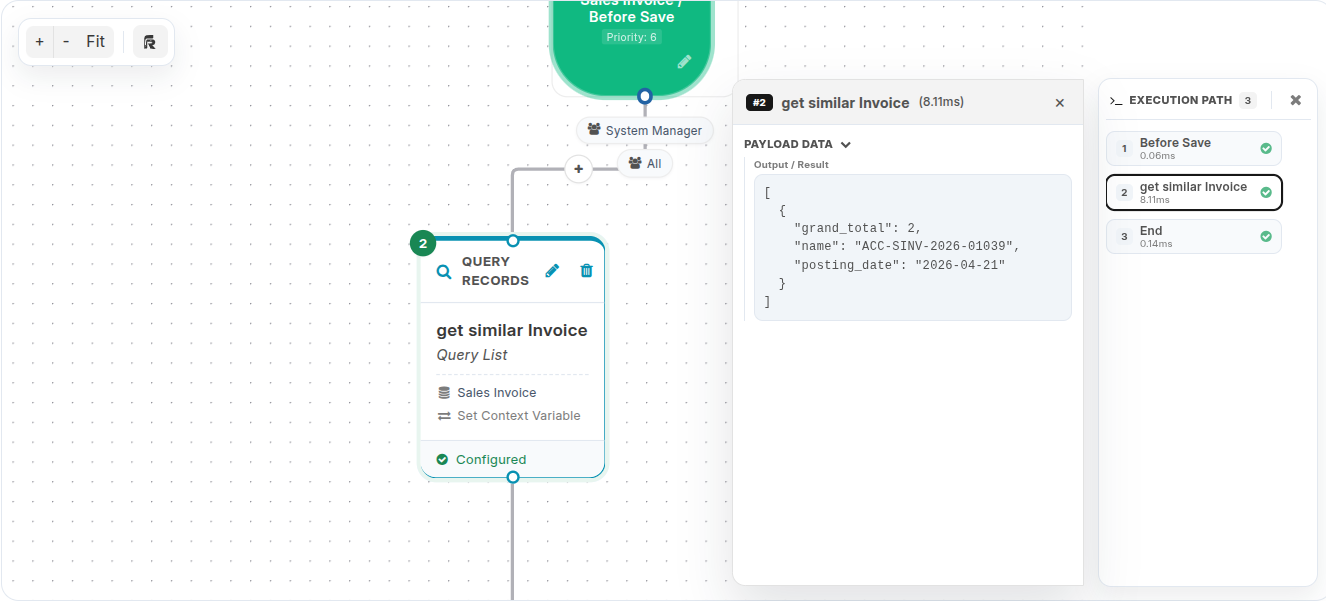
Video: Inspecting the rule execution path#
Watch how the debugger highlights the execution path and shows the result of each rule step.
Production execution logs#
Active rules produce Rule Execution Logs for operational inspection. Use execution IDs, rule information, trigger details, status, duration, and step traces to understand what happened.
Debug simulation and live execution are different contexts: testing verifies behavior safely, while live logs describe actual production executions.
Was this page helpful?